TRichView.com Displaying, editing and printing hypertext for Delphi & C++ Builder
HomeFeaturesHistoryDownloadsOrderResourcesApplicationsSupportContacts

Download components
Download compiled demos


Download TRichView

RichView Showcase

Most of the files below do not contain source code, but their location in the richview installation is specified.

ActionTest
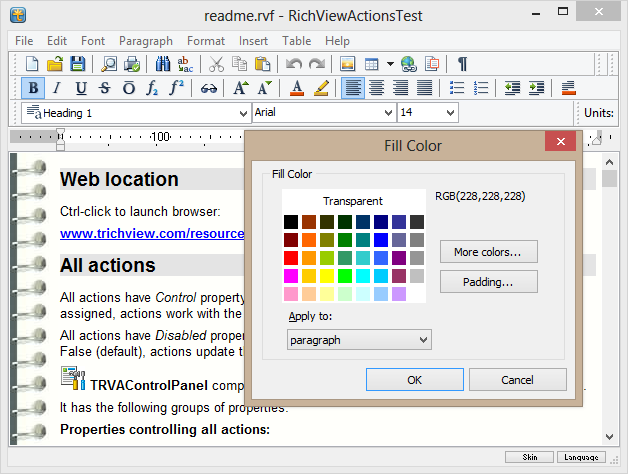
ActionTest Word Processor Main Screen

This is a demo for RichView and RichViewActions (set of actions for building a user interface)

It shows how to create a word processor almost without writing pascal (or C++) code.

This demo was compiled with several freeware third-party components for importing HTML files, for working with XML documents. See details in readme.txt.

Download demo (1.86 MB). Last updated: December 9, 2009.

Other demos (below) do not use RichViewActions.

RichView-based editor
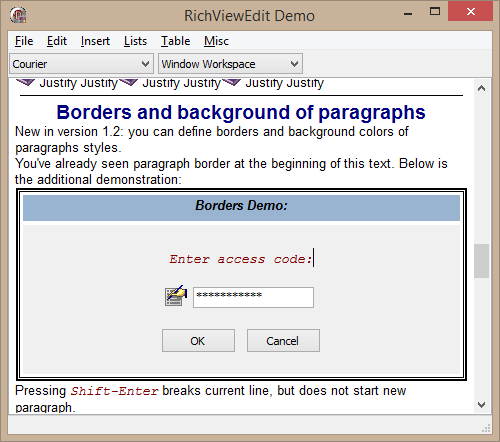
RichViewEdit-Based RichEditor Demo This demo shows how to
  • create a basic editor for documents with images, buttons, edit boxes, tables
  • work with tables
  • import and export (including pasting RTF from the Clipboard)
  • print with preview

Location of this demo in the RichView installation:

  • Demos\Delphi\Editors\Editor 1\
  • Demos\CBuilder\Editors\Editor 1\

This demo does not show how to implement text commands (like “make bold”, “apply font”)
These commands are shown in:

  • Demos\Delphi\Editors\Editor 2\
  • Demos\CBuilder\Editors\Editor 2\

Download demo (1.09 MB). Last updated: December 9, 2009.

MultiDemo
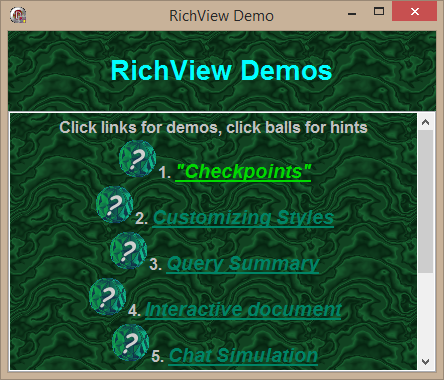
TRichView MultiDemo

This demo consists of seven small sub-demos, showing some ideas for using the component.

Location of this demo in the RichView installation:

  • Demos\Delphi\MultiDemo\
  • Demos\CBuilder\MultiDemo\

Download demo (730 KB). Last updated: December 1, 2008.

Semitransparent Images
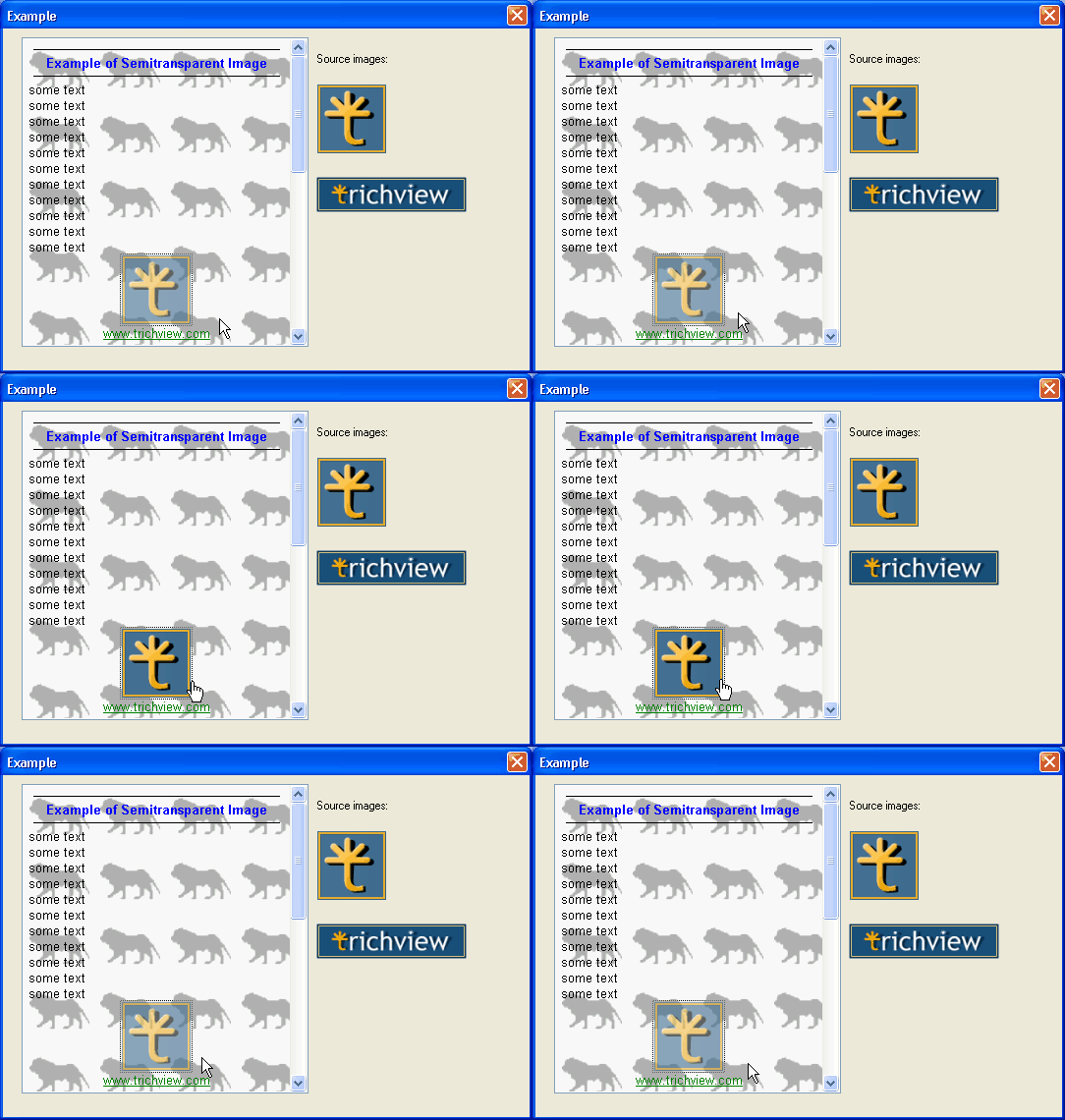
Semitransparent Images Demo

Demo showing the use of images with a specific degree of transparency.

Location of this demo in the RichView installation:

  • Demos\Addins\BlendBitmap\

This is not the only way to implement semitransparency.
For example, RichViewActions demo above can insert semitransparent PNG images (with third-party PNG component)

Download demo (316 KB). Last updated: December 1, 2008.

Using Microsoft Office Converters
Import and Export using Microsoft Office Text Converters

This demo uses text import and export converters from Microsoft Office.
It imports and exports files of different formats, including DOC and HTML.
Note: Microsoft Office is required for this demo (otherwise the list of converters will be empty).

This demo uses a third-party class allowing to work with Gif images.

Location of this demo in the RichView installation:

  • Demos\Delphi\OfficeConverters\
  • Demos\CBuilder\OfficeConverters\

Download demo (1.09 MB). Last updated: December 9, 2009.

PlanetQuiz
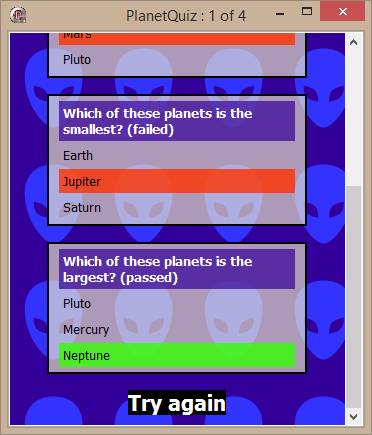
Hypetext Quiz Demo

This application uses RichView tables to display questions and answers.

Location of this demo in the RichView installation:

  • Demos\Delphi\Assorted\PlanetQuiz\
  • Demos\CBuilder\Assorted\PlanetQuiz\

Download demo (459 KB). Last updated: December 1, 2008.

Phonebook
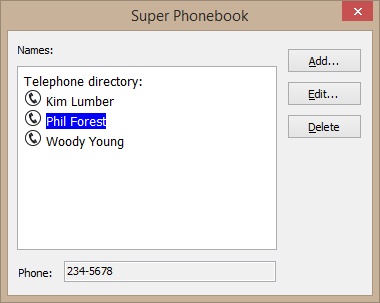
Phone Book Demo

This application implements a listbox-like selection using RichView hypertext features.

Location of this demo in the RichView installation:

  • Demos\Delphi\Assorted\Hypertext\PhoneBook\
  • Demos\CBuilder\Assorted\Hypertext\PhoneBook\

Download demo (317 KB). Last updated: December 1, 2008.

Mail Merge
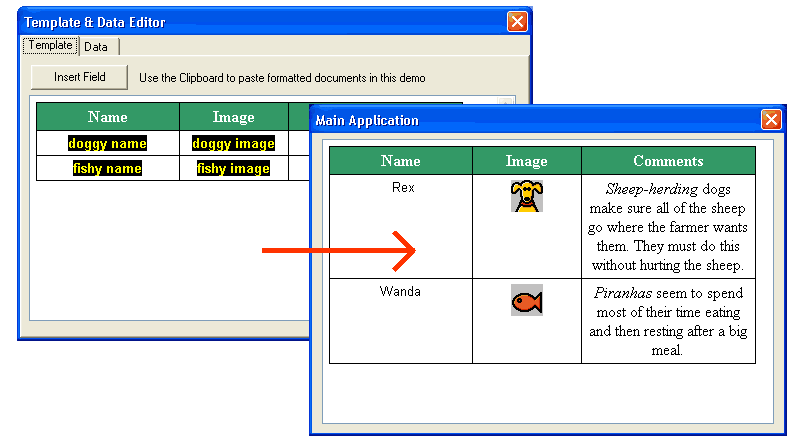
Main Merge Demo

The first application in this demo is a template editor. It edits a template (saved in a file) and database with fields (names and values).

The second application in this demo loads the template file and replaces fields in it with the field values.

This demo requires the Borland BDE.

Location of this demo in the RichView installation:

  • Demos\Delphi\Assorted\Fields\MailMerge2\
  • Demos\CBuilder\Assorted\Fields\MailMerge2\

Download demo (1.55 MB). Last updated: December 1, 2008.

Mail Merge with “Smart Popups”
Mail Merge Demo

Like the previous example, this one consists of two applications: template editor and the main application.

This example has the following features:

  • “Smart Popups” are used for editing fields, dates, and numbering sequences;
  • a special item type (“LabelItem”) is used as fields.

Location of this demo in the RichView installation:

  • Demos\Delphi\Assorted\Fields\MailMerge-LabelItem\
  • Demos\CBuilder\Assorted\Fields\MailMerge-LabelItem\

Download demo (1.29 MB). Last updated: December 1, 2008.

Spreadsheet
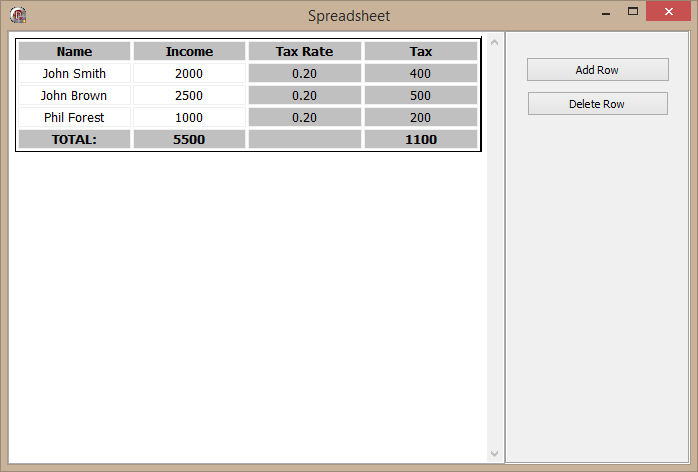
Spreadsheet Demo

Very simple spreadsheet application — values in some cells are read-only and automatically calculated

Location of this demo in the RichView installation:

  • Demos\Delphi\Assorted\Fields\Spreadsheet\
  • Demos\CBuilder\Assorted\Fields\Spreadsheet\

Download demo (472 KB). Last updated: December 1, 2008.

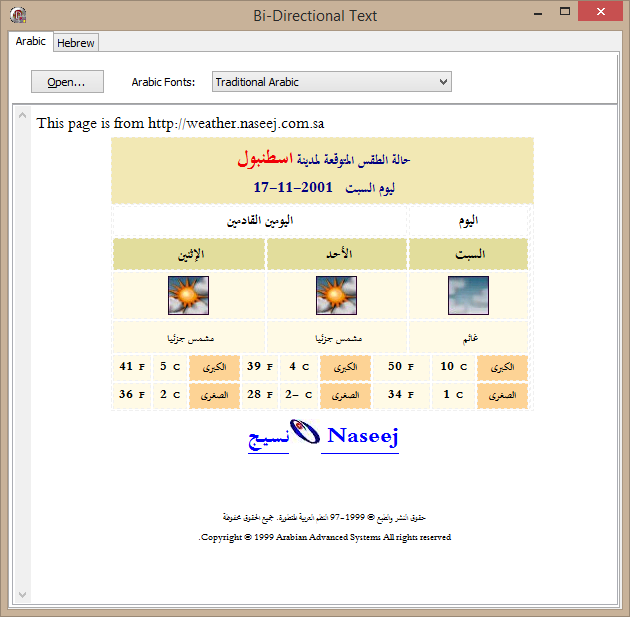
RTL
Demo Showing Bidirected (Arabic and Hebrew) Text

This demo shows support for right-to-left languages.

Location of this demo in the RichView installation:

  • Demos\Delphi\Assorted\International\RTL\
  • Demos\CBuilder\Assorted\International\RTL\

Download demo (713 KB). Last updated: December 1, 2008.

Back to top