

New prices after July 15, 2022
All prices will be changed after July 15, 2022. If you order before that date, you can save about 25%.
New prices after July 15, 2022 Read More »

All prices will be changed after July 15, 2022. If you order before that date, you can save about 25%.
New prices after July 15, 2022 Read More »

We’ve updated RVMedia to version 9.1. This is mainly a maintenance release. It fixes some problems with playing local video files and composing a title string in video viewer windows. New property: TRVCamera.Parameters.AutoUpdateAlias, it allows to keep a value assigned to TRVCamera.Parameters.Alias (it turns off updating Alias from cameras). Alias can be displayed in a title
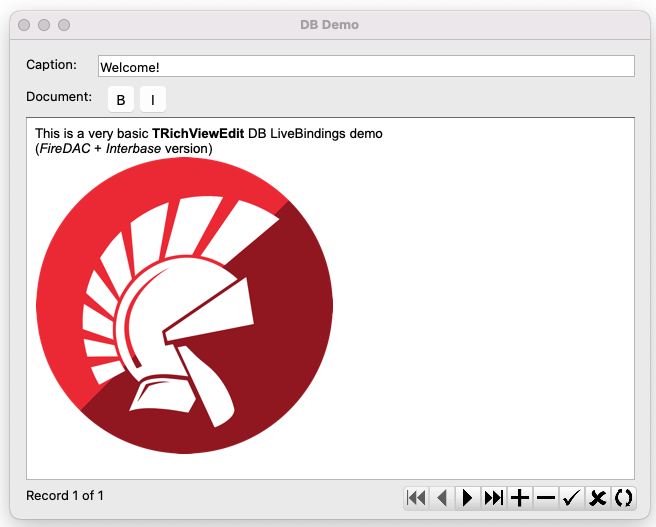
We’ve uploaded new versions of our components: TRichView 20.3, ScaleRichView 11.3, ReportWorkshop 4.1 Trial versions are available here: https://www.trichview.com/download/ The new feature of this update is LiveBindings support.LiveBindings requires Delphi or C++Builder XE3 or newer (but some features can be used in Delphi or C++Builder XE2).LiveBindings is not available in Lazarus. FireMonkey does not include special
TRichView 20.3 – LiveBindings Read More »
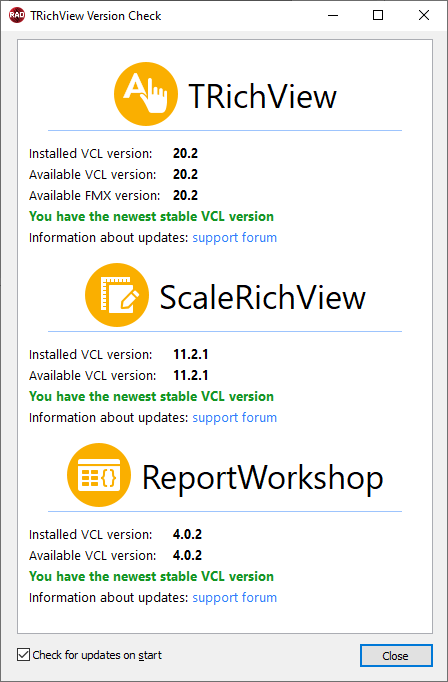
This update fixes several bugs and introduces an update checker.This is a design-time tool that can check for new available TRichView, ScaleRichView, and ReportWorkshop versions. An Internet connection is required (otherwise it fails).This version checker is included in VCL and LCL versions. When Delphi/Lazarus IDE starts the first time after installing TRichView, a version checker
TRichView 20.2 – update checker Read More »
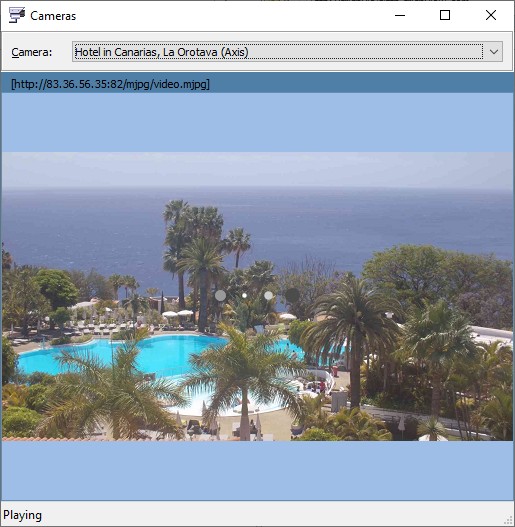
Trial version can be downloaded from https://www.trichview.com/download/ Full version: can be found in the protected section of the forum. This update is free for customers who ordered/renewed RVMedia in 2020, 2021, and 2022, and for customers with RVMedia subscription. In this update: new component: TRVCamSound for playing sound from videos video displaying: a new animation displayed
RVMedia 9.0 – video sound, FFmpeg 5, wait animation, ALSA Read More »
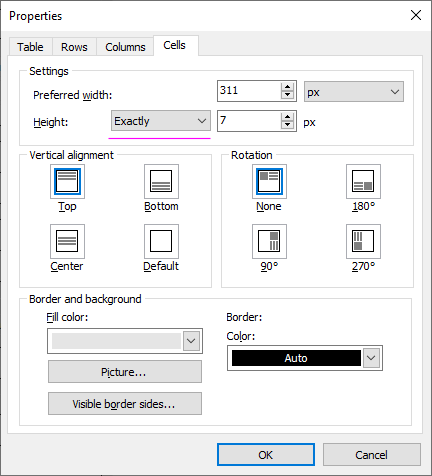
We’ve updated TRichView and ScaleRichView. Again, this is mainly a maintenance release, but with some new features. 1. New IgnoreContentHeight property for table cells. If True, only the height specified in BestHeight property is used, a height of content is ignored.This option is supported in RichViewActions UI (cell height “exactly”/”at least”). This option can be saved and loaded in
TRichView 20.1, ScaleRichView 11.2 Read More »
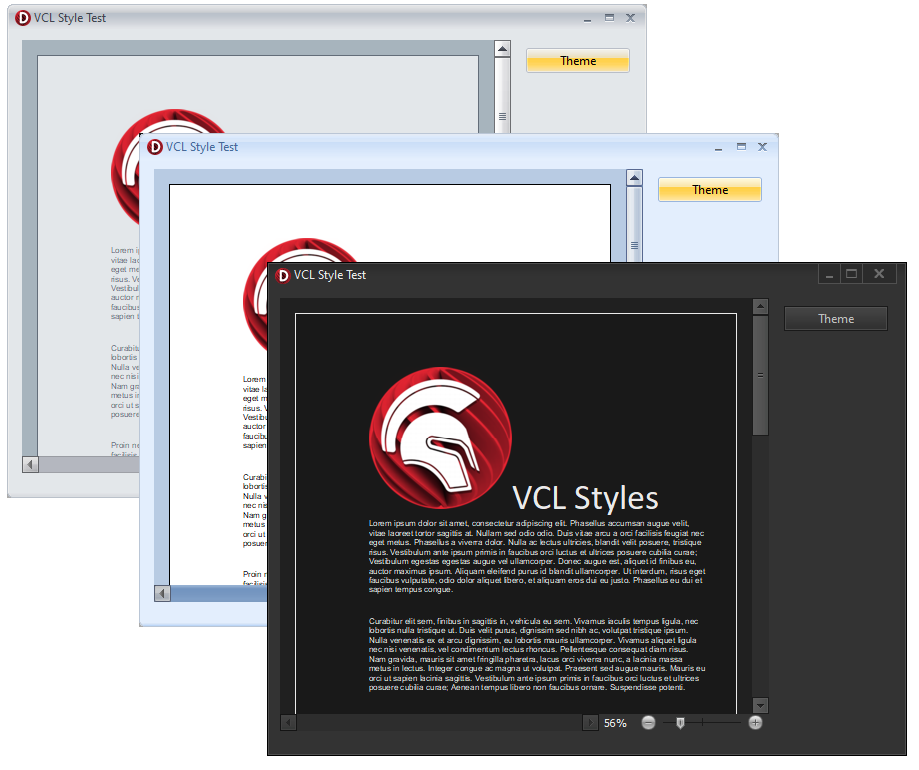
We’ve updated TRichView and ScaleRichView. This is mainly a maintenance release, it contains several fixes and optimizations. However, there is a new feature (that should be implemented a long time ago): support of VCL themes in TSRVScrollBar component. This scrollbar can be used as a separate component (both inside a form and inside a document),
TRichView 20.0.2, ScaleRichView 11.1 Read More »
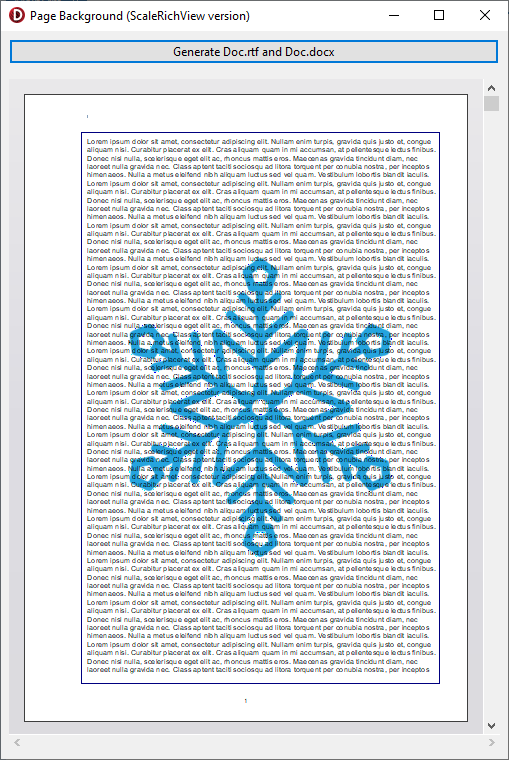
Microsoft Word Documents (DocX and RTF) do not support page background directly.However, there is a workaround: you can insert a text box in a header or a footer, and add an image to this textbox. Additionally, this textbox can have a border.Actually, Microsoft Word itself uses this technique when adding a page watermark. The demo
Demo: Page background and border in RTF and DocX Read More »

We’ve updated TRichView, RichViewActions and ScaleRichView.This is mainly a maintenance release, it contains several fixes and tweaks. New features of TRichView: saving vertical alignment of contents of text boxes in RTF. New features of RichViewActions: For tables and horizontal lines, an object properties dialog contains “Default” checkbox, allowing to use entered values for new tables/lines.
TRichView 20.0.1 RichViewActions 10.1, ScaleRichView 11.0.2 Read More »
We have updated a demo project for extracting text from Microsoft Word files. Now it supports not only RTF, but also DocX files https://www.trichview.com/forums/viewtopic.php?t=2702 This demo uses TRichView RTF and DocX parsers, without creating visual components
Demo: extract text from RTF and DocX Read More »